The Report Archive

A curated repository of research briefings and strategic analysis for the Report sector.

C
ContentClik in Report

Hancock Regional Hospital Deploys V-locity for MEDITECH on Virtual Servers to Solve Critical Performance Issues

The team deployed V-locity on 60 MEDITECH dedicated servers and saw performance problems disappear--overnight--without additional hardware. With a large user-base of doctors and nurses accessing MEDITECH® software to create and append records, track patients, and handle every detail of records management, there is zero margin for slow response time and loading errors. On a busy day, the staff tends to a full ER and a full waiting room—every second to access data is absolutely critical. When the hospital began to experience performance issues that impacted users’ ability to access patient records in critical emergency room scenarios, Hancock Regional needed a solution. Because of bottlenecks and latency issues caused by excessive I/O traffic pushed from VMs to SAN, Ryan Barker, Technology Specialist, explained, "I started looking at the SAN, then heard about the problem of excessive split I/Os generated by the Windows® OS, which is magnified in I/O intensive applications like MEDITECH.” Looking into the split I/O problem created by Windows, Ryan learned about excessive NTFS file fragmentation, which leads to severe performance degradation. Needing an immediate solution, Ryan turned to MEDITECH support, where he heard about V-locity. “We were referred by MEDITECH directly, so we started the assessment,” says Ryan. “If V-locity did what it claimed—without having to upgrade the SAN or add hardware—it was by far the best solution. So we deployed V-locity to all 60 servers and started measuring results.” Over the first two weeks of running V-locity on all the MEDITECH VMs, Ryan requested several tests from the Core Team, all reporting impressive results. “The feedback I’m getting from the Team is very positive; they are seeing major improvement." Ryan continues, “Compiling a list of 16 patients took 13 seconds. With V-locity it now takes only five seconds to load 19. That’s a major improvement when you’re talking about a busy day in the ER.” To read more on V-locity's MEDITECH benefits, download the full case study.
Jun 17, 2026 8 min read Premium
C
ContentClik in Report

Admiral Metals Doubles SQL Throughput with V-locity I/O Reduction Software

When queries during peak load would cause the servers to lag, Admiral Metals needed a solution to increase application performance. Admiral Metals has built its reputation on delivering competitively priced, highest-grade metals with superb machineability. They deliver top-notch metal tubes, rods and bars, sheet metal, and other shapes, all with precision accuracy, on budget and on time, often overnight. Admiral Metals relies on the efficiency of their SQL servers. However, they were experiencing bogged down SQL and ShoreTel servers during peak load times and were needing weekly reboots to refresh these servers. “We virtualized our servers but weren’t getting the performance we wanted during peak load times. We suspected the “I/O blender” effect was giving us some problems, so we wanted to evaluate V-locity I/O reduction software before throwing more expensive server and storage hardware at the problem,” said Matt Skelley, Network Admin & Systems Engineer, Admiral Metals. “After deploying V-locity onto the virtual servers running SQL and ShoreTel, we saw such dramatic reduction in I/O that throughput nearly doubled on both systems. Any lag we used to experience during peak load has disappeared. In addition to performance gains, we no longer have to reboot servers once a week,” says Matt. “One of the things we love most about V-locity is that it is automatic. It deploys easily, runs transparently in the background with near-zero overhead, and all functionality is set-and-forget. I also like the weekly status reports I get on each server, so I can monitor workload growth on each system,” says Matt. Read more about V-locity's features and benefits by downloading this case study.

Jun 17, 2026 8 min read Premium
C
ContentClik in Report

In this Lockdown Environment, Can You Make It with Existing Hardware?

It’s an unprecedented time for system administrators. Users have been sent home, but still must accomplish work in a timely fashion. They must have access to company data and be able to manipulate it and save it. Their client devices must still be supported and must interact efficiently with company servers. Because of these unique workplace restrictions, VDI technology is receiving unprecedented attention. It has benefits such as greater user productivity, improved data security, streamlined IT management, central image management, and low maintenance endpoints. But it also has issues such as complexity of deployment and management, and (most pertinent) cost of hardware. Any measures which can reduce these costs are, to say the least, greatly desirable. With VDI—as with any VM scenario—performance is paramount. A hampering of performance carries a parallel of slowed employee production. With an economy in pause mode, lower production is not an option for any company wishing to survive. The bottom line is that in these tough times, everyone needs to make the most of what they’ve got. With V-locity’s patented technology, VDI density is greatly improved. Servers are limited to the number of virtual desktops they can support at any one time. V-locity doubles that number, and we have reports from some users of five times as many virtual desktops being support with V-locity than without.

Jun 17, 2026 8 min read Premium
C
ContentClik in Report

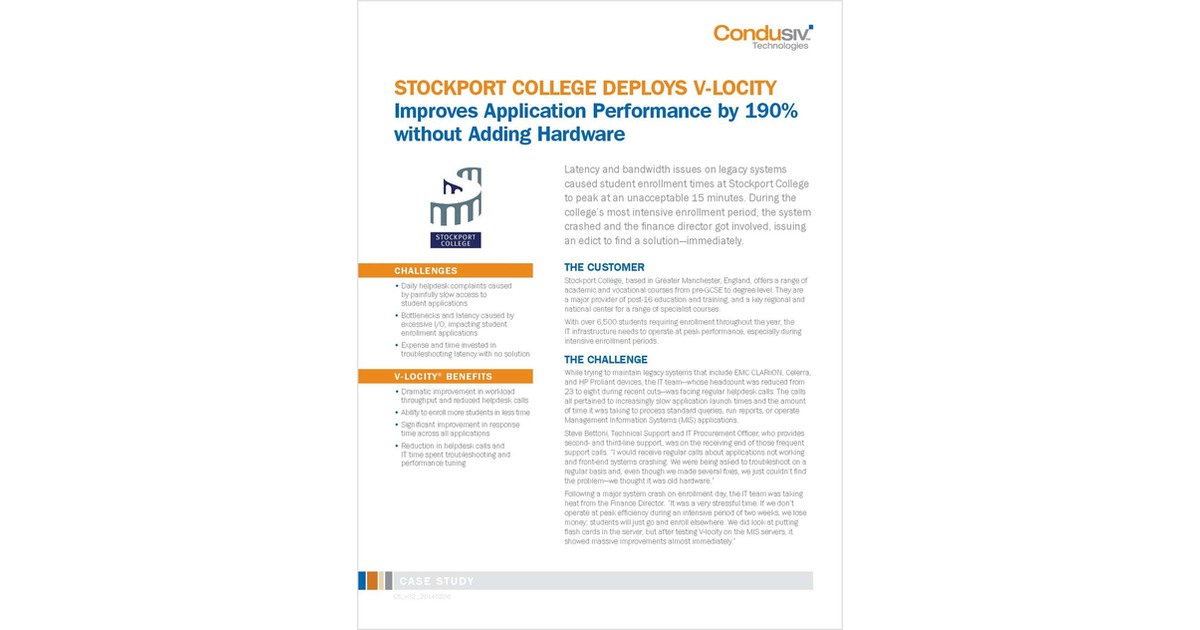
Stockport College Deploys V-locity and Improves Application Performance by 190% without Adding Hardware

Payroll Reports That Used to Take 1 1/2 Hours to Run, Now Take 10 Minutes Latency and bandwidth issues on legacy systems caused student enrollment times at Stockport College to peak at an unacceptable 15 minutes. During the college’s most intensive enrollment period, the system crashed and the finance director got involved, issuing an edict to find a solution—immediately. While trying to maintain legacy systems that include EMC CLARiiON, Celerra, and HP Proliant devices, the IT team was facing regular helpdesk calls. The calls all pertained to increasingly slow application launch times and the amount of time it was taking to process standard queries, run reports, or operate Management Information Systems (MIS) applications. Steve Bettoni, Technical Support and IT Procurement Officer, who provides second- and third-line support, was on the receiving end of those frequent support calls. "I would receive regular calls about applications not working and front-end systems crashing. We were being asked to troubleshoot on a regular basis and, even though we made several fixes, we just couldn't find the problem—we thought it was old hardware." Following a major system crash on enrollment day, the IT team was taking heat from the Finance Director. "It was a very stressful time. If we don’t operate at peak efficiency during an intensive period of two weeks, we lose money; students will just go and enroll elsewhere. We did look at putting flash cards in the server, but after testing V-locity on the MIS servers, it showed massive improvements almost immediately." After initial testing, the team presented results to upper management and immediately received approval to roll out V-locity across 110 virtual servers. In a matter of days, helpdesk calls dropped significantly and enrollment processing times were reduced from 15 to five minutes—a 200% improvement.

Jun 17, 2026 8 min read Premium
C
ContentClik in Report

Do Your Servers Have an I/O Performance Problem?

The Condusiv I/O Assessment tool is designed to provide you the ability to see how well your storage is performing. IT pros know all too well the pain and frustration due to performance problems such as users getting disconnected and complaining, SQL reports or queries taking forever or timing out, annoyingly slow applications causing users to wait, lose productivity and complain, backups failing to complete in the allotted window or even having to constantly reboot the servers to restore performance for a bit. Troubleshooting these issues can cost you many late nights, lost weekends and even missing important events. These issues are commonly traced back to storage I/O efficiencies. No matter the underlying storage, the Windows file system will tend to break up writes into separate storage I/Os and send each I/O packet down to the storage layer separately causing I/O characteristics that are much smaller, more fractured, more random than they need to be. In a virtual environment, the I/O blender effect comes in to play mixing and randomizing I/O streams coming from the different virtual machines on that hypervisor, causing I/O contention. This means systems process workloads about 50% slower than they should on the typical Windows server because far more I/O is needed to process any given workload. This has been found to be to be the cause of a host of Windows performance problems. So how do you know if your servers haven fallen prey to this condition? You can stop guessing and find out for sure. It’s easy, run the FREE Condusiv® I/O Assessment Tool. Read on to find out more about the Condusiv® I/O Assessment Tool.

Jun 17, 2026 8 min read Premium

Ready for Full Access?

Gain unlimited access to our entire library of research briefings and analyst reports.

Unlock Full Membership
Access Granted
An Executive from a Global Firm just accessed Research Briefing